iStock: What It Is, How It Works, and Why It’s Popular Among Creators
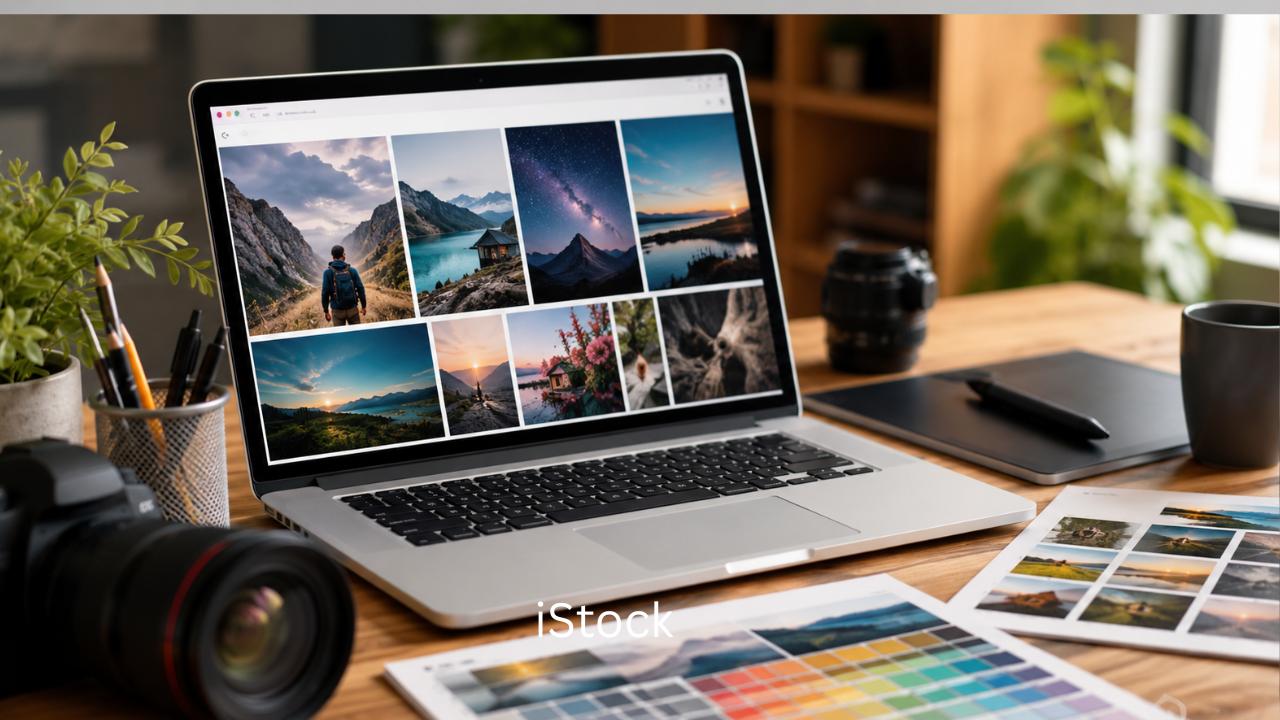
In today’s digital world, high-quality visuals play a huge role in online success. Whether you run a blog, manage a business website, create YouTube videos, or design marketing campaigns, professional images and videos can make your content stand out. This is where iStock comes in.
iStock is one of the most recognized stock content platforms on the internet. It offers millions of royalty-free photos, illustrations, vectors, videos, and audio files for personal and commercial use. From small businesses to major brands, many creators rely on iStock to find visually appealing content quickly and legally.
This article explains what iStock is, how it works, its key features, pricing, advantages, disadvantages, and tips for using it effectively.
What Is iStock?
iStock is a stock media platform owned by Getty Images. It provides royalty-free digital assets such as:
- Photos
- Videos
- Vector graphics
- Illustrations
- Music tracks
- Sound effects
Users can download these assets for websites, advertisements, presentations, social media posts, and more.
The platform is especially popular because it combines affordability with professional-quality content. It serves freelancers, bloggers, marketers, designers, and companies of all sizes.
The History of iStock
iStock was founded in 2000 as a small online community where photographers shared free images. Over time, it evolved into a major stock photography marketplace.
In 2006, Getty Images acquired iStock, helping the platform expand its library and global reach. Since then, iStock has become one of the leading names in stock media.
Today, millions of users worldwide use the platform for creative and commercial projects.
How iStock Works
The platform works on a simple licensing model. Users browse the library, select the content they need, and download it under a royalty-free license.
Here’s a basic step-by-step overview:
- Create an account
- Search for media using keywords
- Choose a file
- Purchase credits or a subscription
- Download and use the content
The royalty-free model means you pay once and can usually use the content multiple times within the license terms.

Types of Content Available on iStock
One reason iStock is so popular is the huge variety of digital assets available.
Photos
The platform contains millions of high-resolution photos covering topics like:
- Business
- Technology
- Health
- Travel
- Food
- Education
- Nature
- Lifestyle
These images are commonly used in blogs, websites, and advertisements.
Videos
iStock offers HD and 4K stock footage for creators who need professional video clips.
Popular categories include:
- Drone footage
- Business scenes
- Cityscapes
- Nature videos
- Social media content
Vectors and Illustrations
Designers often use vector graphics because they can be resized without losing quality.
iStock provides:
- Icons
- Infographics
- Abstract designs
- Backgrounds
- Illustrations
Audio
The platform also includes royalty-free music and sound effects for:
- Podcasts
- YouTube videos
- Commercials
- Presentations
Main Features of iStock
iStock includes several features that make it attractive for creators and businesses.
Large Content Library
Users get access to millions of creative assets across multiple categories.
Royalty-Free Licensing
Most content can be used repeatedly without paying additional royalties.
Search Filters
Advanced search tools help users find specific content quickly.
You can filter by:
- Orientation
- Color
- Style
- File type
- Resolution
- People
- Location
Affordable Pricing Options
Compared to some premium stock platforms, iStock is often more budget-friendly.
AI-Powered Search
The platform uses AI-based recommendations and keyword matching to improve search accuracy.
iStock Pricing Plans
Pricing varies depending on the type of content and download volume.
Here’s a general overview:
| Plan Type | Best For | Features |
|---|---|---|
| Subscription Plans | Regular users | Monthly downloads at lower cost |
| Credit Packs | Occasional users | Pay only when needed |
| Premium Content | Businesses | Access to exclusive files |
| Video Plans | Video creators | HD and 4K footage downloads |
Subscription plans are usually the best option for bloggers, agencies, and content creators who need frequent downloads.
Benefits of Using iStock
There are many reasons why creators choose iStock over other platforms.
High-Quality Visuals
The platform maintains professional quality standards for uploaded content.
Saves Time
Instead of creating visuals from scratch, users can quickly find ready-made assets.
Legal Protection
Using licensed stock content reduces copyright risks.
Commercial Usage
Many files can be used for business purposes, including marketing campaigns.
Suitable for Multiple Industries
iStock content works well for:
- Blogging
- Advertising
- Social media marketing
- Web design
- Publishing
- Video production
Drawbacks of iStock
Although iStock has many advantages, it also has some limitations.
Subscription Costs
Frequent downloads may become expensive for some users.
Popular Images May Be Overused
Some widely used stock photos can appear repetitive across different websites.
Licensing Restrictions
Users still need to follow license rules carefully.
For example, certain files may require extended licenses for large-scale commercial use.
iStock vs Other Stock Platforms
Many users compare iStock with other stock media websites.
iStock vs Shutterstock
Shutterstock is another leading stock content provider.
iStock strengths:
- Often more affordable
- Strong Getty Images integration
- Flexible credit system
Shutterstock strengths:
- Larger contributor network
- Massive content library
- Strong video offerings
iStock vs Adobe Stock
Adobe offers Adobe Stock integrated with Creative Cloud apps.
iStock strengths:
- Competitive pricing
- Easier for casual users
Adobe Stock strengths:
- Excellent Photoshop integration
- Seamless workflow for designers
Best Ways to Use iStock Content
To get the most value from iStock, follow these practical tips.
Use Specific Search Terms
Detailed keywords help you find better results.
Instead of searching “business,” try:
- “modern startup office”
- “remote team meeting”
- “young entrepreneur working laptop”
Customize the Images
Adding branding, filters, or text overlays can make stock images look more unique.
Check Licensing Carefully
Always review license details before using content commercially.
Avoid Overused Visuals
Try selecting less common images to make your content stand out.
Who Uses iStock?
iStock is widely used by different types of professionals.
Bloggers
Bloggers use stock photos to improve article visuals and SEO performance.
Businesses
Companies use stock media for:
- Marketing campaigns
- Presentations
- Websites
- Product promotions
Social Media Creators
Influencers and marketers use iStock visuals to create attractive posts and ads.
Video Editors
Editors use stock footage and audio to enhance video production quality.
SEO Benefits of Using High-Quality Images
Visual content can indirectly improve SEO performance.
Benefits include:
- Better user engagement
- Longer page visit duration
- Improved social sharing
- Lower bounce rates
- Enhanced content readability
However, it’s important to optimize images properly by:
- Compressing file sizes
- Adding alt text
- Using descriptive filenames
Tips for Choosing the Right Stock Images
Not every stock image delivers the same impact.
Here are a few smart selection tips:
Choose Authentic Images
Natural-looking photos often perform better than overly staged images.
Match Your Brand Style
Use visuals that align with your website’s tone and audience.
Prioritize High Resolution
High-quality images look more professional across devices.
Think About Diversity
Modern audiences appreciate inclusive and diverse visuals.
Frequently Asked Questions (FAQs)
Is iStock free to use?
No, most content on iStock requires payment through subscriptions or credits. However, the platform occasionally offers free files.
Can I use iStock images commercially?
Yes, many files are licensed for commercial use. Always review the license agreement before use.
Does iStock offer videos?
Yes, iStock provides HD and 4K stock videos for content creators and businesses.
Is iStock good for bloggers?
Absolutely. Bloggers use iStock for high-quality visuals that improve content appearance and engagement.
What is the difference between iStock and Getty Images?
Getty Images mainly focuses on premium editorial and commercial content, while iStock offers more affordable royalty-free assets for general users.
Can I sell designs made with iStock images?
In many cases, yes, but you must follow the platform’s licensing rules and restrictions.
Final Thoughts
iStock has become one of the most trusted stock media platforms for creators, businesses, and marketers worldwide. Its massive library, affordable pricing options, and professional-quality content make it a practical choice for anyone who needs visuals for digital projects.
Whether you are building a website, creating social media campaigns, editing videos, or writing blog posts, iStock offers a convenient way to access high-quality creative assets without hiring photographers or designers for every project.
By using stock media strategically and responsibly, you can improve your content quality, strengthen your brand image, and create a more engaging experience for your audience.
Also Read: Nosey or Nosy: Which Spelling Is Correct and What Does It Mean?