Google Workspace Account: The Ultimate Guide to Boost Productivity, Security, and Business Growth
What Is a Google Workspace Account?
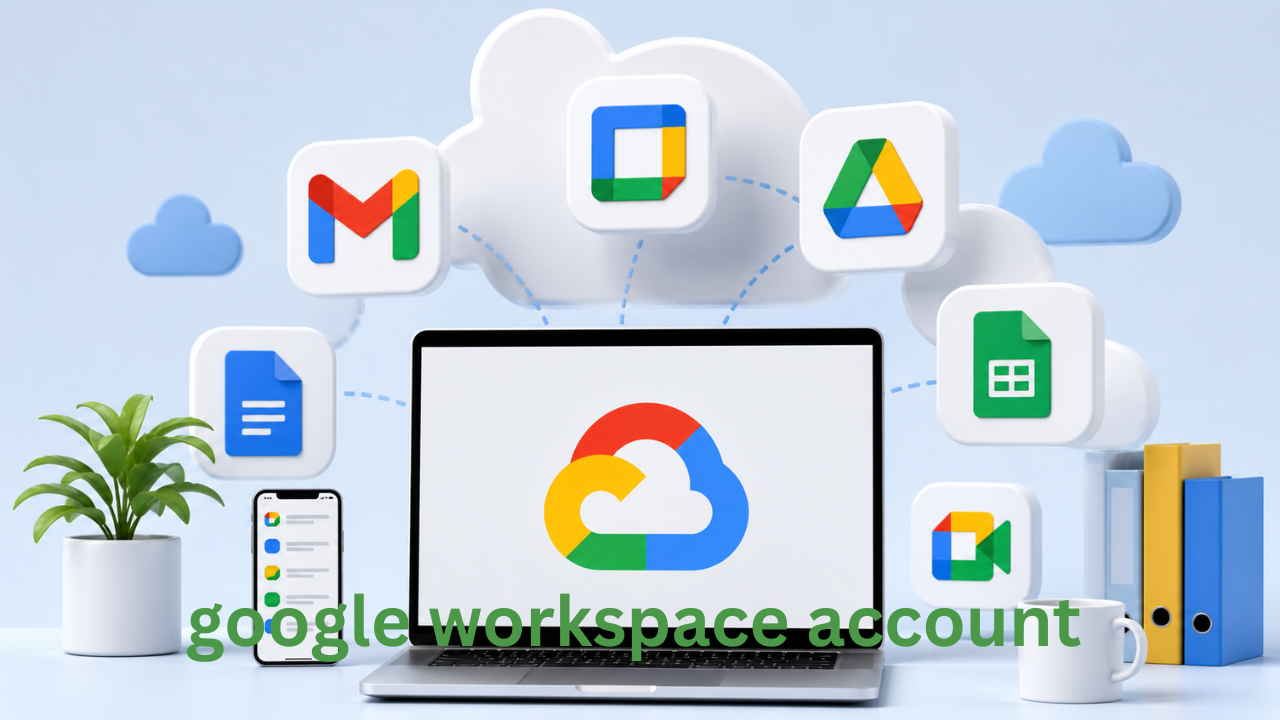
A Google Workspace account is a powerful suite of cloud-based productivity and collaboration tools designed for businesses, teams, and professionals. Formerly known as G Suite, Google Workspace integrates essential applications like Gmail, Drive, Docs, Sheets, Meet, and Calendar into a seamless ecosystem that helps users work smarter, faster, and more securely.
Unlike a standard free Gmail account, a Google Workspace account provides a custom business email address (e.g., yourname@yourcompany.com), enhanced storage, advanced security features, and administrative controls tailored for organizations of all sizes.
Why Businesses Need a Google Workspace Account
In today’s digital-first world, efficiency and collaboration are critical. A Google Workspace account enables businesses to streamline operations, improve communication, and enhance productivity without the need for complex IT infrastructure.
One of the biggest advantages is accessibility. Whether your team is working from the office, home, or across different countries, Google Workspace ensures that everyone stays connected in real time. Documents can be edited simultaneously, meetings can be conducted instantly, and files are always accessible from any device.
Additionally, it helps create a professional brand image. A custom email address builds trust with clients and partners, making your business appear more credible and established.

Key Features of a Google Workspace Account
Professional Email with Custom Domain
A Google Workspace account allows you to create a branded email address using your domain name. This not only enhances professionalism but also improves brand recognition.
Cloud Storage and File Sharing
With Google Drive, users get secure cloud storage where they can upload, share, and manage files efficiently. You can control who has access to your documents and collaborate in real time without sending multiple versions back and forth.
Real-Time Collaboration Tools
Google Docs, Sheets, and Slides allow multiple users to work on the same file simultaneously. Changes are saved automatically, and version history ensures you never lose important data.
Video Conferencing and Communication
Google Meet enables high-quality video meetings with team members and clients. Integrated chat and scheduling features make communication effortless and organized.
Advanced Security and Admin Controls
Security is a major concern for any business. A Google Workspace account includes features like two-step verification, endpoint management, and data protection controls. Admins can manage users, set permissions, and monitor activity from a centralized dashboard.
Benefits of Using a Google Workspace Account
Increased Productivity
By integrating multiple tools into one platform, Google Workspace eliminates the need to switch between different applications. This saves time and allows teams to focus on their work.
Cost-Effective Solution
Instead of investing in expensive software licenses and IT infrastructure, businesses can use Google Workspace as a subscription-based service. This makes it an affordable option for startups and small businesses.
Scalability for Growing Businesses
Whether you have a team of five or five hundred, a Google Workspace account can scale with your business. You can easily add or remove users as needed.
Enhanced Collaboration
Teamwork becomes more efficient when everyone can access and edit documents in real time. Comments, suggestions, and shared folders keep everyone aligned.
Reliable Cloud Infrastructure
Google’s cloud infrastructure ensures high uptime and data reliability. Your files are सुरक्षित (safe) and accessible whenever you need them.
How to Create a Google Workspace Account
Setting up a Google Workspace account is a straightforward process. First, you need a domain name for your business. Then, you sign up for Google Workspace and follow the setup instructions.
You’ll be asked to verify your domain, create user accounts, and configure settings. Once completed, you can start using all the tools immediately.
The setup process is designed to be user-friendly, even for those without technical expertise. However, businesses can also seek professional help for advanced configurations.
Google Workspace Plans and Pricing
Google Workspace offers multiple pricing plans to suit different business needs. Each plan includes core features but varies in storage capacity, security options, and administrative controls.
Smaller teams may find basic plans sufficient, while larger organizations often benefit from advanced features like enhanced security, compliance tools, and increased storage.
Choosing the right plan depends on your business size, workflow requirements, and budget.
Google Workspace vs Free Gmail: What’s the Difference?
While free Gmail accounts are suitable for personal use, they lack the features required for professional environments.
A Google Workspace account provides a custom domain email, higher storage limits, advanced security, and administrative controls. It also offers better collaboration tools and integration capabilities.
For businesses aiming to grow and maintain a professional image, Google Workspace is a far superior option.
Security Features of a Google Workspace Account
Security is one of the strongest aspects of Google Workspace. It includes built-in protections against spam, phishing, and malware.
Admins can enforce policies such as password strength, device management, and data loss prevention. Two-factor authentication adds an extra layer of protection, ensuring that sensitive business data remains secure.
Google’s infrastructure also complies with global security standards, making it a trusted choice for organizations worldwide.
Best Practices for Using a Google Workspace Account
To get the most out of your Google Workspace account, it’s important to follow best practices.
Start by organizing your files in structured folders. Use shared drives for team projects to keep everything accessible and well-managed.
Enable security features like two-step verification for all users. Regularly review access permissions to ensure only authorized individuals can view sensitive information.
Train your team to use collaboration tools effectively. This not only improves efficiency but also reduces errors and miscommunication.
How Google Workspace Improves Remote Work
Remote work has become increasingly common, and Google Workspace is designed to support it seamlessly.
Employees can join meetings, share files, and collaborate on projects from anywhere in the world. Real-time editing and cloud storage eliminate the need for physical office spaces.
This flexibility not only boosts productivity but also improves employee satisfaction by enabling a better work-life balance.

Common Challenges and How to Overcome Them
While Google Workspace is user-friendly, some businesses may face challenges during the transition.
One common issue is data migration. Moving files and emails from another platform can be complex, but Google provides tools and support to simplify the process.
Another challenge is user adoption. Employees may need time to adapt to new tools. Providing training and resources can help ease the transition.
Technical issues can also arise, but Google’s support system and extensive documentation make it easier to resolve problems quickly.
Tips to Optimize Your Google Workspace Account for SEO and Business Growth
Although Google Workspace is primarily a productivity tool, it can indirectly support your SEO and business growth efforts.
Use Google Docs to create high-quality content for your website. Collaborate with your team to ensure content is well-researched and optimized.
Google Drive can be used to store and manage media files, making it easier to organize your website assets.
Google Meet and Calendar help streamline communication with clients and team members, improving overall efficiency and client satisfaction.
By leveraging these tools effectively, businesses can enhance their operations and create a strong online presence.
Future of Google Workspace
Google Workspace continues to evolve with new features and improvements. Integration with artificial intelligence, automation tools, and enhanced collaboration features are shaping the future of work.
As businesses become more digital, the demand for flexible and efficient tools like Google Workspace will continue to grow.
Organizations that adopt these technologies early will have a competitive advantage in the market.
Conclusion
A Google Workspace account is more than just an email solution—it’s a complete productivity platform designed to empower businesses and teams. From professional email and cloud storage to advanced security and collaboration tools, it offers everything needed to operate efficiently in today’s digital environment.
Whether you’re a startup, small business, or large enterprise, investing in a Google Workspace account can significantly improve your workflow, enhance communication, and support long-term growth. By understanding its features and implementing best practices, you can unlock its full potential and take your business to the next level.
Also Read: Lakeisha Mims: The Untold Story, Life, and Public Curiosity Explained













1 comment